Favorites bar
Use the Favorites bar to create, manage, and call your private and shared favorites .
Example 1.
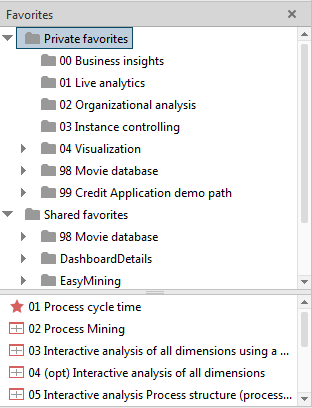
The upper part of the Favorites bar displays the folder structure, the bottom part contains the favorites and subordinate folders.
Tip
A pop-up menu is available if you right-click an item. To show or hide any subordinate folders, double-click a folder in the top window.
The Favorites bar is available in all analysis realms and modules.