Introduction to user-defined measures
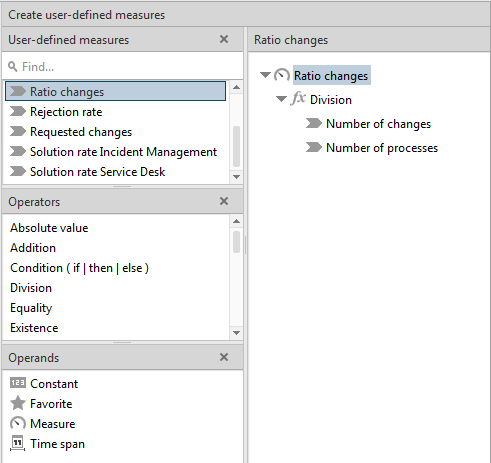
In PPM, you can create custom measures in addition to the ones provided. User-defined measures are based on existing measures and created by means of calculation rules.
An editor is available for this in the Configuration component, which enables you to arrange operators and operands to form a calculation tree using drag and drop.
You cannot set comparison values for user-defined measures.
Rankings take on a special role. Use rankings to weight various measures. You create rankings by means of a wizard.
Prerequisite: You have the User-defined measure management function privilege.